CMYK vs RGB – Understand the Key Differences

dip saha
June 2, 2026
521
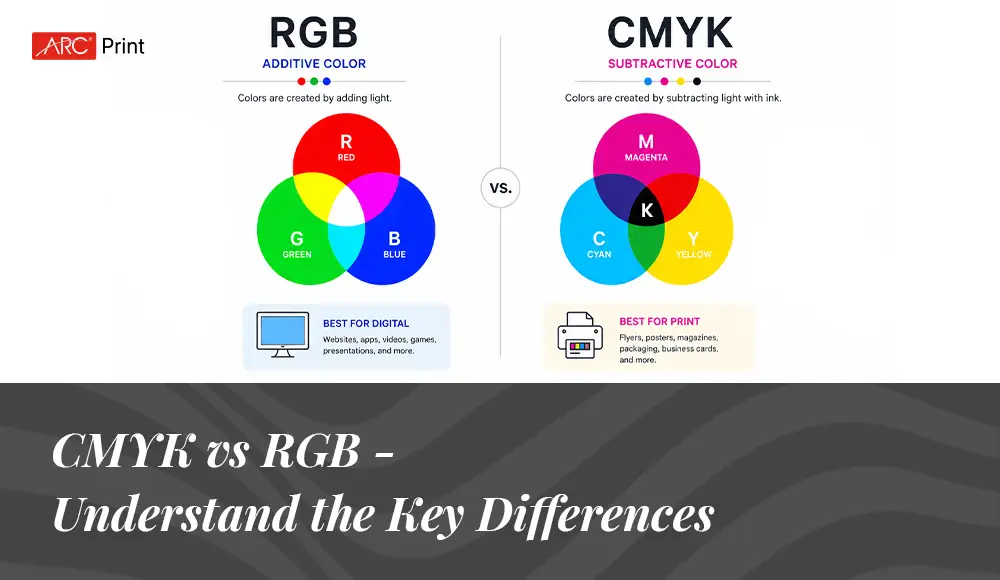
Have you ever gone through that situation where something that looked extremely eye catchy and vibrant on a computer screen but turned out dull when it is printed? This is where CMYK vs RGB comes into play. Understanding the two color systems is not just about being technically informed, but it is also about learning the difference between a costly reprint and a professional result. Most of the designers and marketers understand these differences and how they fundamentally change colors.
Here, in this blog, we will talk about CMYK vs RGB, their common uses, key differences, and what works best for which type of project. Understanding all these aspects will help you to make the right decision. So, let’s now start with the basics first –
What is RGB?
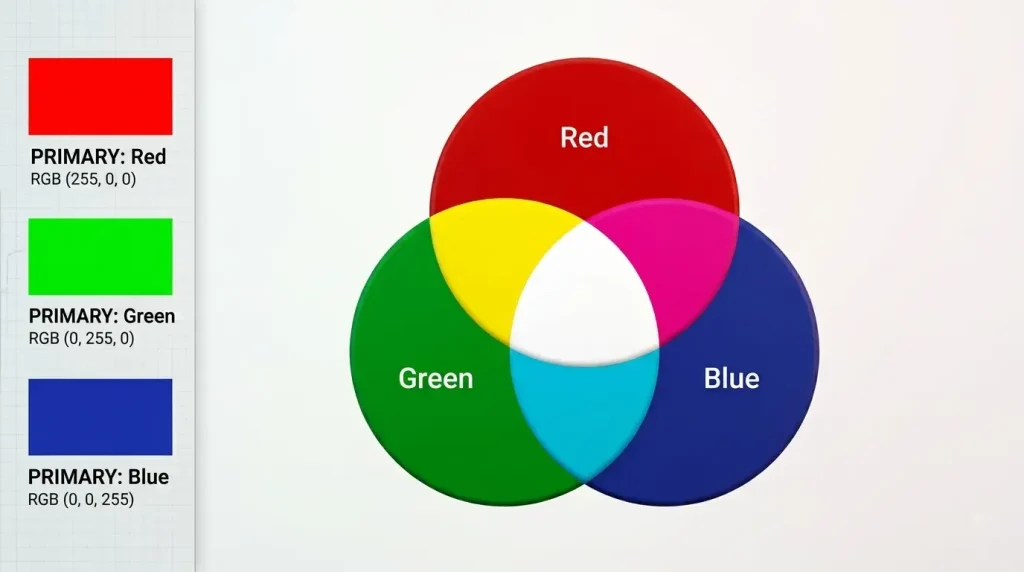
RGB stands for Red, Green, and Blue. This is basically an additive color model, which means it starts with darkness and adds colored light to create more vibrant and brighter hues. Think about your computer screen or TV; each pixel contains red, green, and blue lights. When all three lights are off, you will see only black on the screen. When all of them are activated in full strength, you get to see a white screen. By mixing them in different intensities, millions of colors can be created. This color model is widely used in electronic displays. Whether you are looking at a computer screen, a phone display, or even your snazzy smartwatch, you are witnessing the color magic of RGB.
When to Use RGB?
If your project is going to be displayed on a digital screen, prefer to use the RGB color mode. This would go for digital devices, including smartphones, computers, TVs, cameras, tablets, etc.
Common Uses for RGB Include
- Social media graphics
- Websites and digital marketing
- Video production and animation
- UI/UX design and mobile applications
- E-books and digital publications
- Photography
- Digital publication and e-books
One of the biggest advantages of RGB is the massive range of colors it can reproduce. Especially with modern wide-format displays, you can achieve incredible color contrast like saturated blue, glowing red, or electric greens that are not possible to print.
Which File Format Works The Best For RGB?
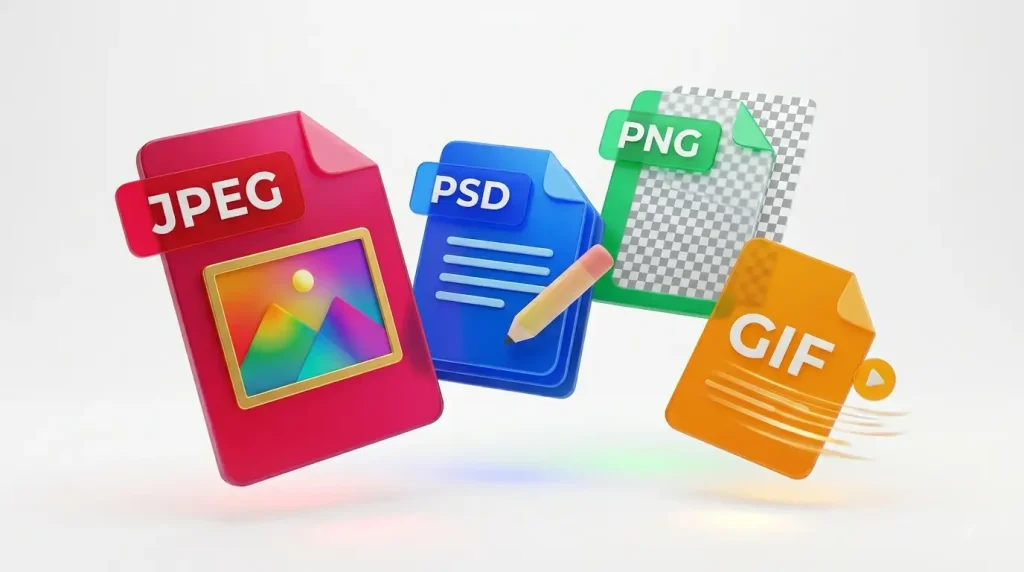
JPEG file format is ideal for RGB because they are middle ground between quality and file size, and is easily readable. Along with JPEG, PSD is the standard source file for RGB documents.
Next in the list is PNG. They support transparency and work better for graphics that are required to be superimposed. This type of file works best for interface elements such as icons, buttons, and banners.
If you are creating an animated element, then GIF works the best. For RGB, it is suggested to avoid TIFF, PDF, EPS, and BMP file formats. They do not seem to be compatible with most software. In fact, they can be too large in terms of data.
What is CMYK?
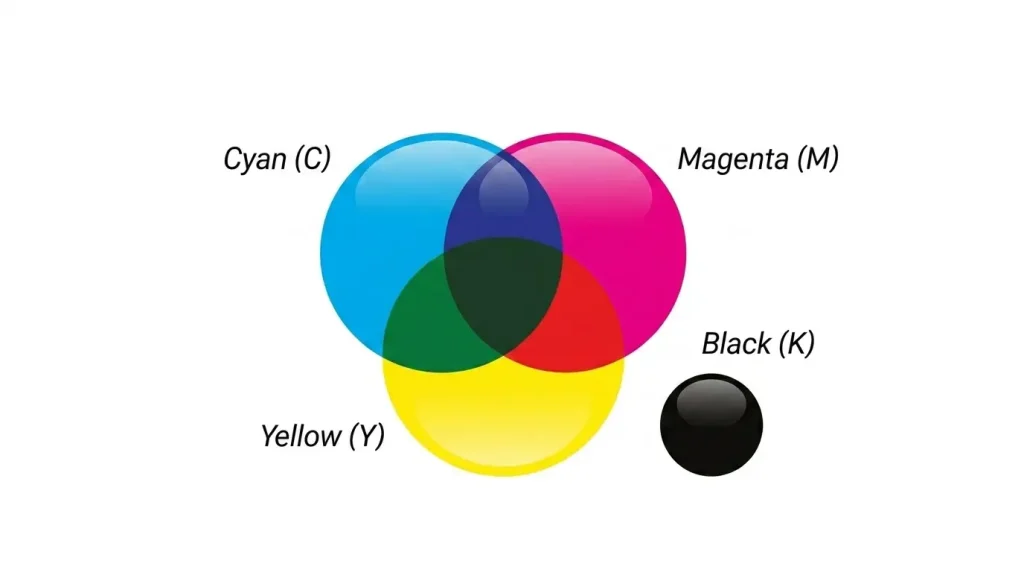
CMYK stands for Cyan, magenta, yellow, and key, which means Black. This is a subtractive color model. Instead of adding light, it removes the reflection of light by adding layers of ink on paper.
As we know, white paper reflects light; when you add cyan ink, it absorbs red light and reflects green and blue. Similarly, magenta absorbs green, blue and yellow. The mixing of cyan, yellow, and magenta creates a true deep black or muddy brown. CMYK was specifically designed for printing presses such as traditional offset printing, digital presses, and home inkjet printers that rely on the system. In CMYK, colors are measured in terms of percentage. When you lay down all four colors in equal percentage, you will get rich, deep black.
When to Use CMYK?
CMYK is ideal for any project that will be printed physically and not viewed on a screen. If you need to recreate a design on paper, the CMYK color mode will help you get an accurate result.
Common Uses of CMYK Include
- Brochures, banners, flyers, and business cards printing
- Books and magazines
- Labels and packaging
- Posters
- Large format prints
Since it is a subtractive color model, it can produce only a few color ranges compared to RGB. Some of the colors that we see on digital screens, such as neon, rich violet, and glowing red, simply cannot be reproduced accurately using standard printing inks.
Which File Format is Ideal For CMYK?
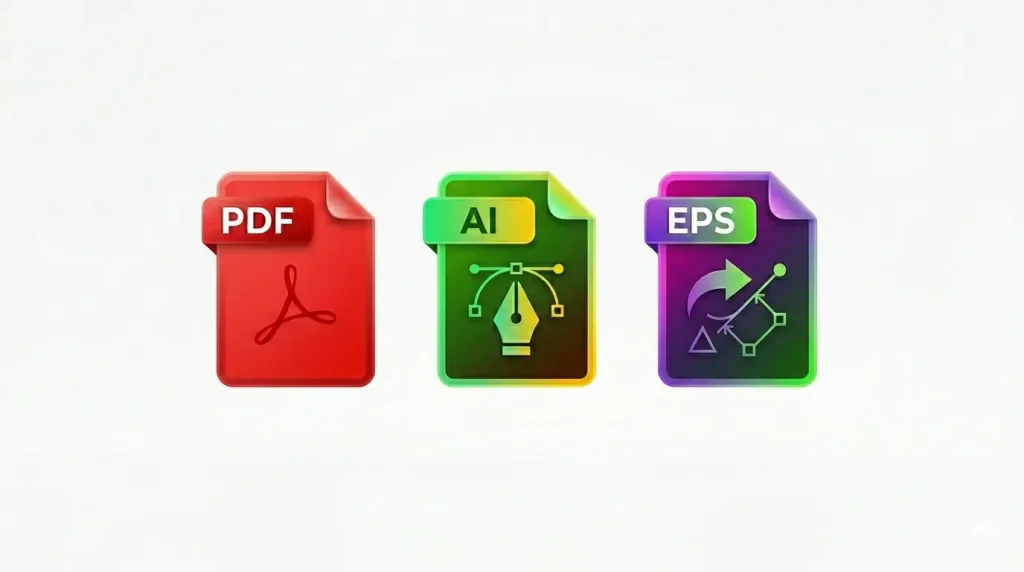
The PDF file format is ideal for CMYK because they are compatible with most programs. Along with this, Adobe Illustrator is considered a standard source file for CMYK.
EPS can also be a great alternative to AI because it is compatible with other vector programs.
Key Differences Between CMYK vs RGB
The fundamental difference between CMYK and RGB ultimately leads to light vs pigment.
How Are Colors Created?
- RGB builds colors by adding light
- CMYK builds colors by subtracting light through the process of absorption
Beginning Point
- RGB starts from black and adds light to reach the white context
- CMYK starts with white paper and adds inks to reach deeper colors.
Black Color Presence
- In the RGB color mode, the absence of light creates black.
- In the CMYK model, black is the main ink channel, and that is why text print appears sharper.
Color Reproduction
RGB can produce a wide range of colors. A lot of color visible on digital screens can be matched in the CMYK model. This is called “out of gamut” colors. While converting from RGB to CMYK, the software usually results in a duller version of color reproduction.
Vibrancy And Brightness
An image appears brighter on screen when they emit light directly into your eyes. On the other hand, printed color depends on the ambient light reflection on the paper.
Technical Specification And File Size
RGB files are basically smaller in size and ideal for digital use. While CMYK requires four channels instead of three, making them appear a bit larger, they often require specific profiles depending on the paper type and printing method.
Industry Standards and Real World Application
In web design, the RGB color model offers the ideal solution. Some tools like Webflow, Adobe XD, Figma are built around this.
But if we talk about the traditional printing industry, it is still deeply rooted in CMYK. Though things are continuously evolving with time. Modern digital presses can reproduce more vibrant colors than traditional offset printers.
In packaging design, where it needs to work on both marketing photos that appear on online screens and store shelves, consumer goods companies need to maintain both the RGB and CMYK color models for their brand marketing purposes.
How to Check Whether the Document is in RGB or CMYK?
Since RGB and CMYK are interchangeable, it is necessary to be 100% sure about which color model you are going to work with. Printing an RGB file rather than converting it into CMYK can lead to some results, but not in a positive way. RGB colors appear more vibrant, vivid, and bright because they are created with light. However, a printer cannot replicate the exact color vibrancy with ink. When you convert the print in RGB, the printer has to convert those colours to its closest CMYK equivalent. This kind of conversion fails to replicate the exact color, and it often results in muted or drastically different color combinations. For example, the electric blue you see on screen might turn out as duller and less exciting on paper.
Additionally, there are certain colors in RGB that simply do not exist in the CMYK spectrum. For example, neon color or glowing red looks just fantastic, but fails to impress in print. This is mainly because RGB can produce millions of colors by blending light, while a CMYK ink combination is limited to certain colors.
If you cannot remember which color model you set for your document, here’s how to check the process below –
How to Find the Color Mode in Photoshop?
In Photoshop, the color mode is mentioned in parenthesis in the document’s tab. You can find it by navigating to the image and then click on mode. You will find the document color mode next to it.
How to Find the Color Mode in Illustrator?
In Illustrator, the color mode is mentioned in parenthesis in the document’s tab. You can easily find it by navigating to the file and then the document color mode.
How to Find the Color Mode in InDesign?
You can easily check the color mode in InDesign by using the color panel. Go to the window, then click on color to open the color panel. You will get to see colors measured in different percentages for both CMYK and RGB, depending on the color mode.
Common Myths of CMYK vs RGB
Myth 1: CMYK Always Appears Dull
It is not necessarily true. With good quality paper, design, and proper ink management, print can appear richer and extremely vibrant. There are many big brands that have achieved stunning results through CMYK print that digital print struggles to match in terms of maintaining quality.
Myth 2: You Just Convert, And Everything Will Be Fine At the End
This conversation requires thought because hitting the CMYK button blindly often leads to severe disappointment. Smart designers adjust color contrast manually after conversion.
Myth 3: RGB is Only For Digital Screens
Many photographers and digital artists use RGB spaces for achieving the accurate color contrast because they capture more color data that even the best quality printers can reproduce.
How to Make Better Choices in Workflow?
- Start in RGB for achieving creative freedom.
- Use layers and artboards for different versions if required.
- Create both CMYK and RGB exports.
- Check the print quality with local printers for important projects.
- Maintain a brand style guide with different color values.
You can use different types of tools like Adobe Creative Cloud, that make this easier with color sync and linked files but truly speaking, nothing can replace testing.
Final Words
RGB and CMYK are not competitors. They are basically different tools designed to perform different jobs. Understanding both empowers you to make the right decision as per your project needs. The designers or marketers don’t entirely depend on the technical differences but they consider user experience.
As technology evolves with time,better screens, improved printing technologies, and new color models, the core principle remains the same: light represents things differently than pigment, and we must respect those differences.
Learn more about different types of printing technologies and their key features.
Therefore, next time when you start a project and are confused between CMYK vs RGB, just ask yourself, “ Where will your targeted audience experience this?”
This helps you select the right color mode as per your branding needs.